
How to change my subscription brew kits?Updated 7 months ago
You may change your subscription brew kits through Subscription Management.
Or
Go to Account on iGulu
Click View Account
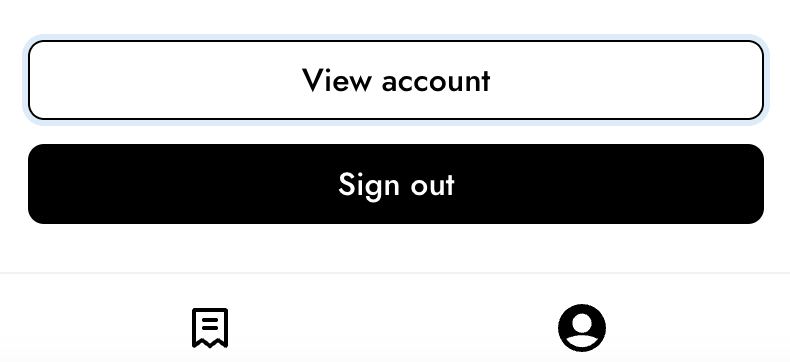 Select Customer Portal Page
 Click Edit Subscription
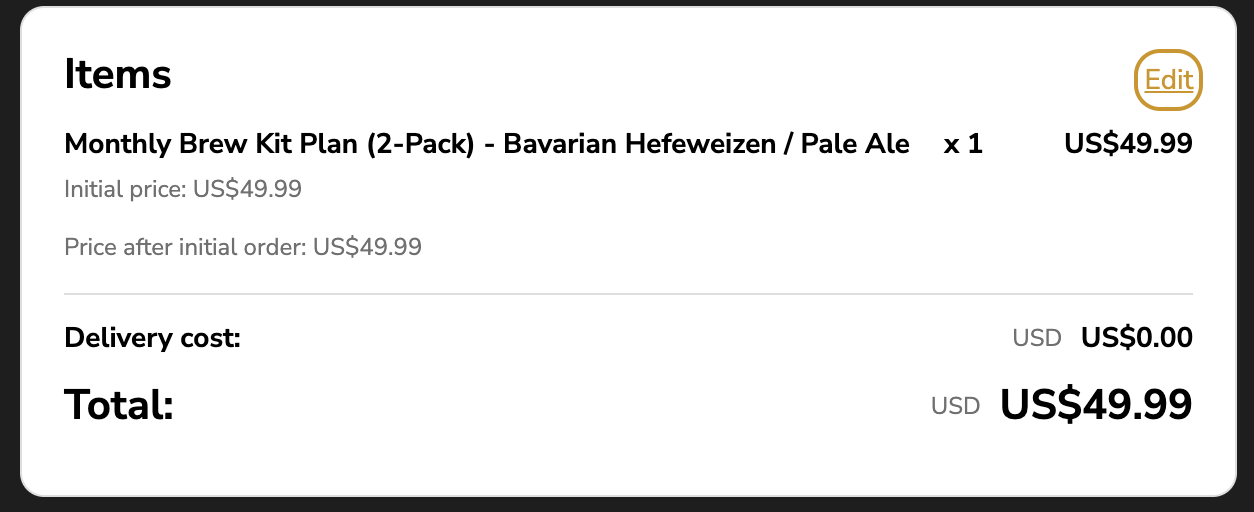
Click Edit on the Items Card
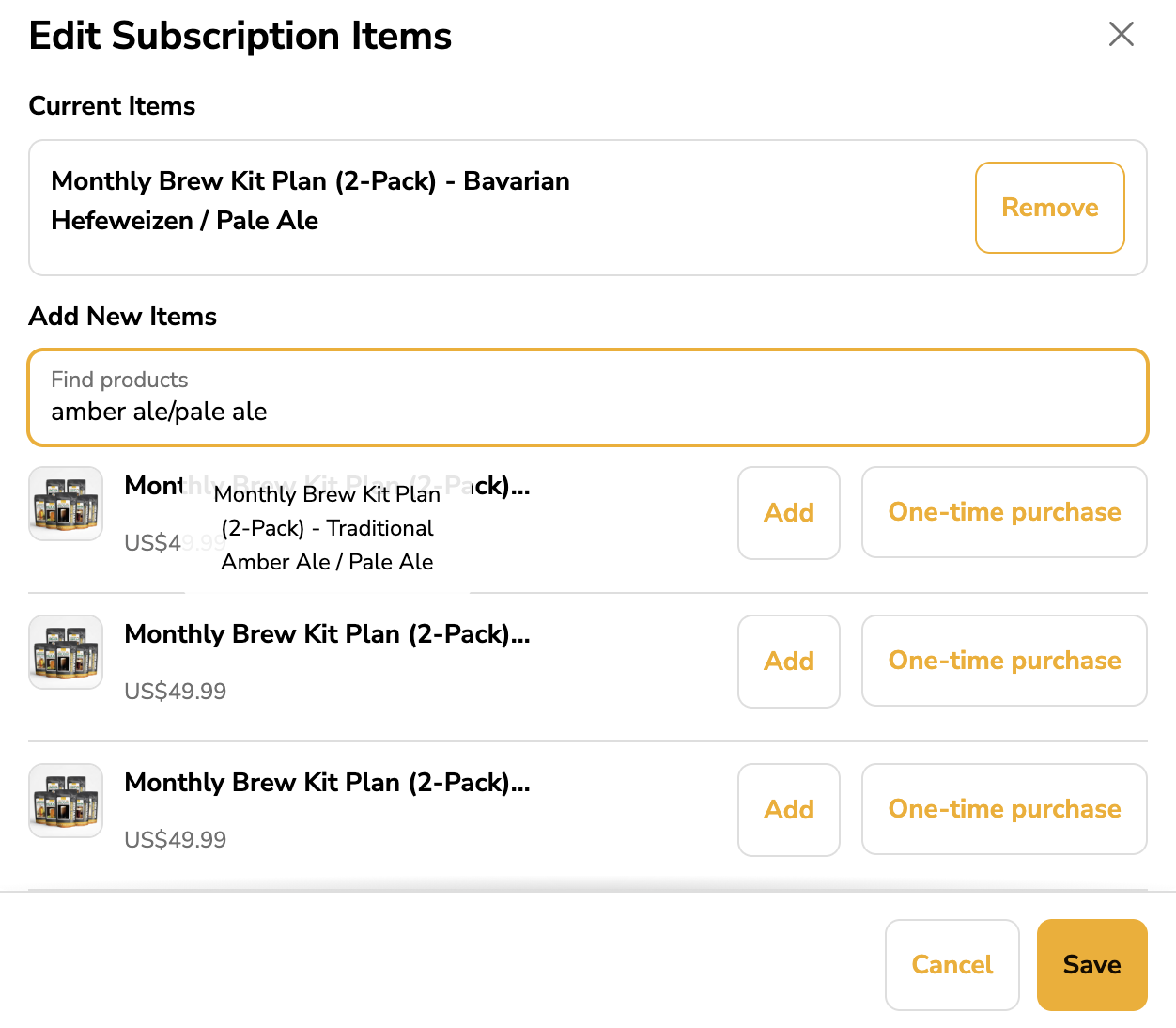
Remove the current brew kits. In the search bar, enter the brew kit combination you want and select the correct option labeled “Monthly brew kit subscription”, then save.
You can also reach out to us at [email protected], and we’ll be happy to help update your brew kit selection.