
How do I cancel my subscription?Updated 8 months ago
You may cancel your subscription at any time through Subscription Management.
Or
Go to Account on iGulu
Click View account
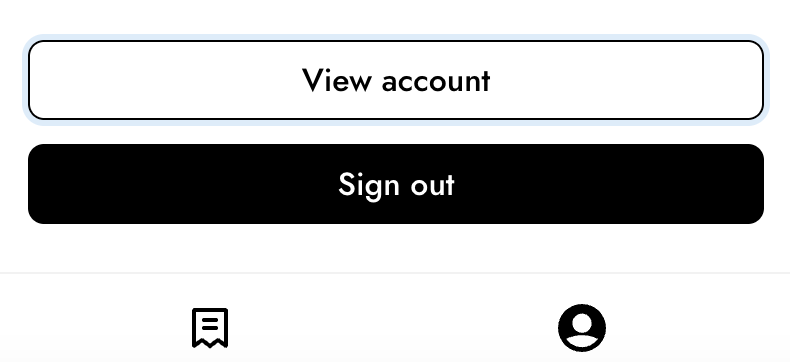 Select Customer Portal Page
Click Edit subscription

Click Cancel my subscription

If you’re already logged in, you’ll be taken directly to the page.
If not, you’ll be prompted to sign in first.
Once canceled:
Monthly subscription charges stop immediately
No future subscription billing will occur
However, canceling your subscription does not automatically transfer ownership of the device.